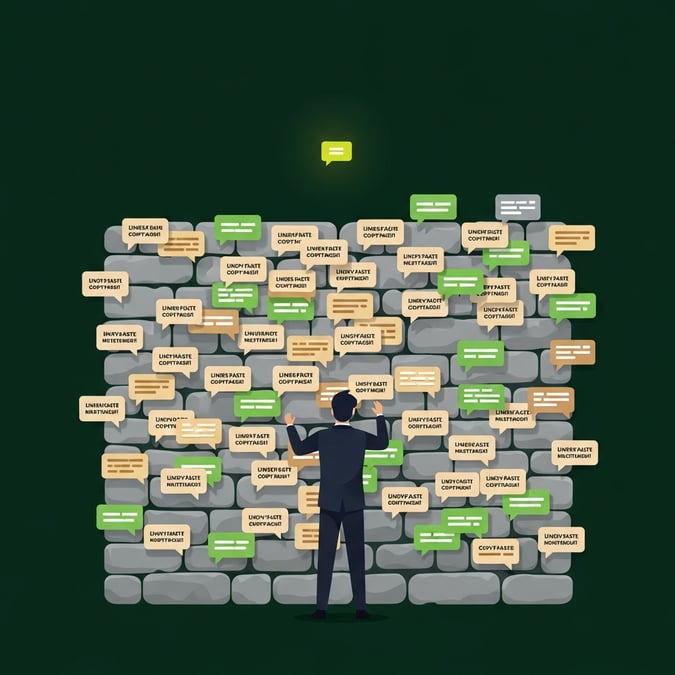
Let us be honest. Nobody likes a cold pitch. If you walk up to a stranger on the street and immediately ask them to buy your software, they will walk away. The same thing happens on LinkedIn.When you send a connection request and follow it up five seconds later with a massive sales pitch, you are being that person.
It does not work. It is annoying.
And it is burning your leads.You need to warm up your prospects before you ask them for anything. But how do you do that without coming across as a creepy stalker?
Here is the brutally simple guide to building a LinkedIn warm-up sequence that actually feels human.
Step 1: The "Silent Nod" (Profile Visits)
Before you ever send a message, you need to exist in their world.
When you visit someone's profile on LinkedIn, they often get a notification. It is the digital equivalent of a polite nod across the room. It says, "I see you, but I am not bothering you."
What to do: Visit the profiles of your ideal prospects. Do not send a connection request yet. Just look. If you are doing this at scale, you can automate this step with tools like Expandi or LinkedHelper. But remember: keep it light. One visit is enough. Three visits in a week is weird.
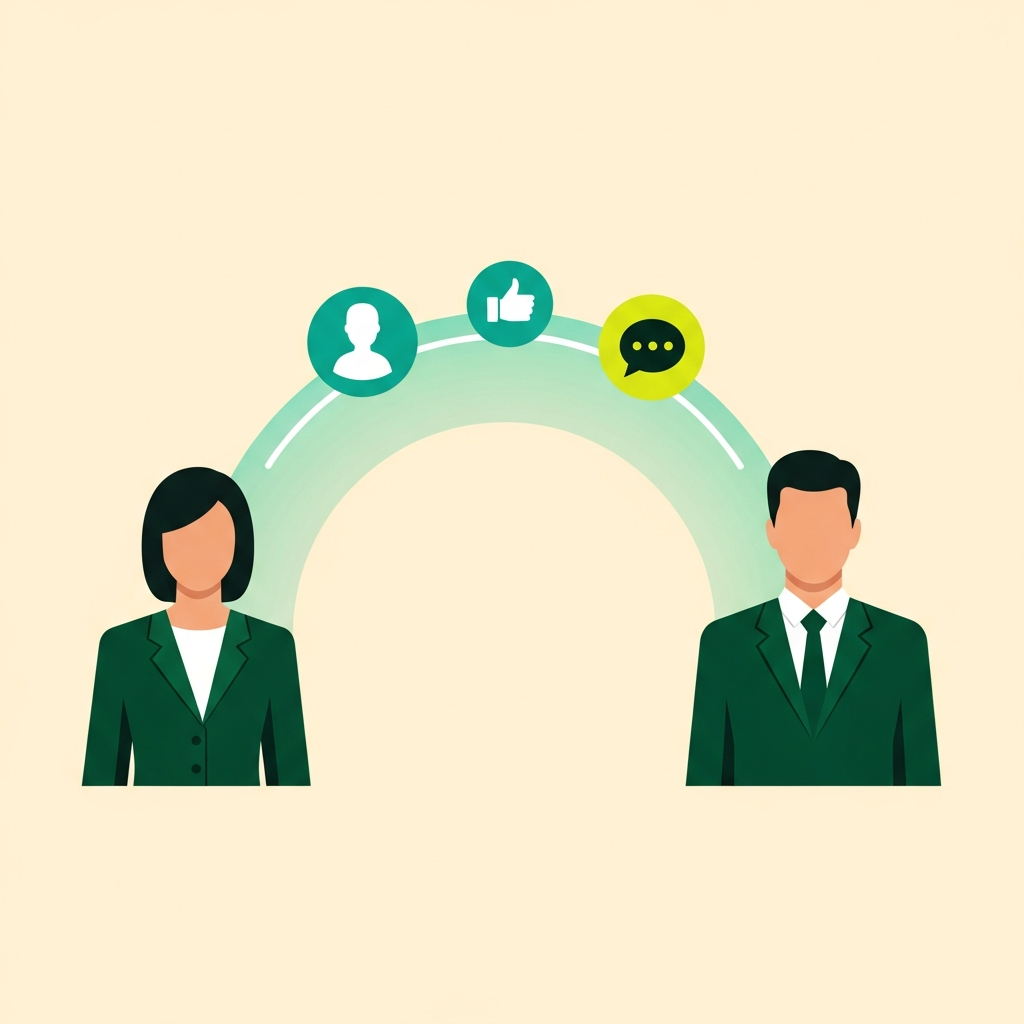
Step 2: The "Light Applause" (Engaging with Content)
Once they have seen your name pop up, it is time to engage. But do not go overboard.
What to do: Find a recent post they wrote or shared. Give it a "Like" or a "Insightful" reaction. That is it. Do not write a five-paragraph essay in their comments. Just a simple click to show you are paying attention to what they care about.Why does this work? Because everyone who posts on LinkedIn wants engagement.
By giving them a little bit of what they want, you are building tiny amounts of goodwill.
Step 3: The "Contextual Hello" (The Connection Request)
Now that you are no longer a complete stranger, you can send the connection request. But leave the pitch in the trash where it belongs.What to do: Send a connection request with a short, personalized note. Mention the post you liked. Mention a shared connection. Or just keep it brutally simple.
Example: "Hi [Name], loved your recent post about [Topic]. Would love to connect and keep seeing your content on my feed."No pitch. No calendar links. Just a human saying hello to another human.
Step 4: The "Value Drop" (The First Message)
They accepted your request. Great. Do not ruin it now.
Your first message should not be about you. It should be about them. What problem can you solve for them right now, for free?
What to do: Wait a day or two after they accept. Then, send a message that offers immediate value. Share a quick insight, a helpful resource, or a relevant observation about their company.
Example: "Thanks for connecting, [Name]. I noticed your team is expanding into [Market]. We recently put together a short guide on how companies in your space are handling that transition. Let me know if you want the link—happy to share."If they say yes, send it. If they ignore it, leave it alone for a few days. You have planted the seed.
Stop Acting Like a Robot
The goal of a warm-up sequence is not to trick someone into buying. The goal is to prove you are a normal human being who understands their world.
If you want to dive deeper into how to structure your overall LinkedIn strategy, check out my guide on how to Boost Your Results on LinkedIn as a Certified Marketing Expert.
And if you are struggling to align your marketing outreach with your sales team's goals, you need to read about Mastering Sales Enablement for Business Success.
Stop spamming. Start warming up. Your reply rates will thank you.
The Warm-Up Sequence at a Glance
| Step | Action | Timing | Goal |
| 1 — Silent Nod | Visit their profile | Day 1–2 | Get on their radar |
| 2 — Light Applause | Like or react to a post | Day 3–5 | Build name recognition |
| 3 — Contextual Hello | Send personalized connection request | Day 6–7 | Open the door |
| 4 — Value Drop | Send first message with free value | 1–2 days after acceptance | Start a real conversation |
Next step
If you want to make this concrete for your company, start with a short review of goals, content, CRM data and follow-up.
Frequently asked questions about LinkedIn warm-up sequences
How long should a warm-up take before pitching?
There is no fixed number of days. The better question is whether the prospect has seen useful context, recognized the problem and had a reason to trust the sender before the ask arrives.
What should a warm-up sequence avoid?
Avoid fake familiarity, forced compliments and immediate booking requests. The warm-up should make the later conversation more relevant, not create pressure.