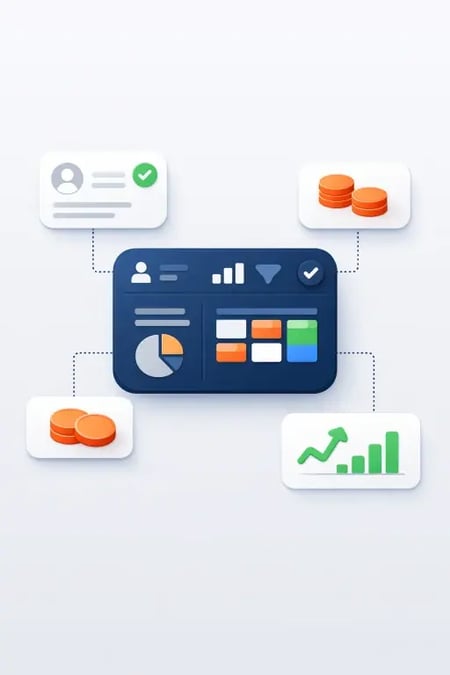
Short answer: HubSpot credits are the unit of consumption in the new pricing model. You get a monthly pot included in your edition; credits are used for, among other things, AI actions, extra email volume and contacts you save without marketing towards. Unused credits do not normally carry over - plan your usage and monitor your dashboard. Read all about it in the Full guide on HubSpot's new pricing model
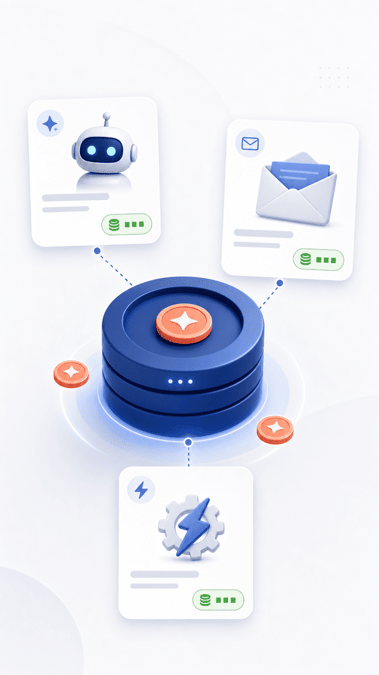
What are HubSpot credits?
Think of credits as "power" for features that cost HubSpot more to deliver - especially AI and scale. Instead of hiding everything in the contact price, you can:
- Pay for marketing contacts you're actively working towards
- Use credits for the rest of your database and heavy actions
This results in a fairer price for companies with a large CRM database and moderate marketing - see is it cheaper?
What are credits used for (typical examples)?
The list is subject to change - always check HubSpot's official pricing page. Common categories:
- AI/Breeze agents - prospecting, customer service, recommendations (high spend per action)
- Marketing emails beyond included volume in the issue
- Non-marketing contacts - sales and service contacts without active marketing
- Some automation actions in workflows
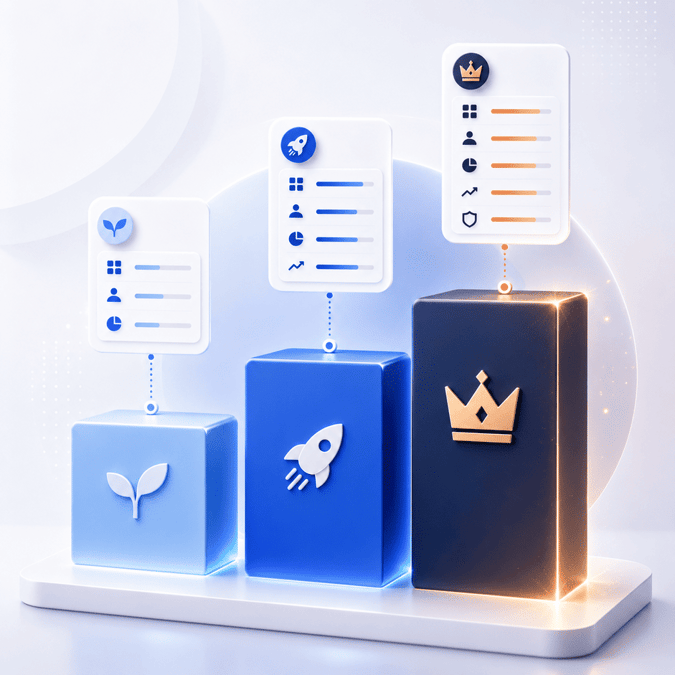
Your edition (Starter/Pro/Enterprise) determines how much included pot you get - read edition comparison.
Example: this is what your spend might look like
A team with 8,000 CRM contacts and 2,500 marketing contacts:
- 2,500 marketing contacts → priced as marketing contacts
- 5,500 sales/service contacts → can charge credits depending on setup
- + Monthly newsletters to 40,000 recipients → extra credits or capacity pack
- + AI prospecting enabled → can increase spend quickly
Lessons learned: Don't enable all AI features on day one without setting alerts and max limits.
How to avoid surprises on your invoice
- Turn off or limit automatic replenishment of credits if you want to control costs.
- Set monthly review of credit dashboard (RevOps or market).
- Clean up your CRM - fewer unnecessary contacts = lower credit deductions.
- Match issue to actual email and AI plan.
- Budget capacity packs if you know Q4 campaign will increase volume.
Credits vs contacts - what's the difference?
| Marketing contacts | HubSpot credits | |
|---|---|---|
| What are they? | People you market to | Consumption unit for different actions |
| When | Email, ads, active lists | AI, extra emails, etc. |
| Management | List rules and hygiene | Dashboard + limits in portal |
Frequently asked questions
Are HubSpot credits the same as Breeze credits?
HubSpot has bundled a lot under "credits" in the new model. AI/Breeze features typically draw credits - check your product documentation for current rates.
Can I buy more credits?
Yes, via capacity packs or additional purchases. Price per 1000 credits varies - compare with the included pot in the higher edition before buying loose.
Do unused credits disappear?
Usually yes, monthly reset. Do not plan "savings" - plan consumption.
How do I know if we are using too many credits?
HubSpot shows consumption in the portal. Set alerts at 80% of pot and evaluate AI and email every month.
Read also in the HubSpot series
Need help choosing? We help Nordic B2B companies with HubSpot setup, license selection and implementation.
Next step
If you want to make this concrete for your company, start with a short review of goals, CRM data, content and follow-up.
Frequently asked questions about HubSpot credits
What uses HubSpot credits?
Credits are consumed by selected AI, enrichment, email or platform actions depending on the HubSpot edition and feature set.
How should a team budget credits?
Start by estimating recurring workflows and AI use cases, then keep experimental agent usage separate until value is proven.
What is the biggest risk?
The main risk is letting credits become invisible usage. Track which workflows consume them and what business outcome they support.